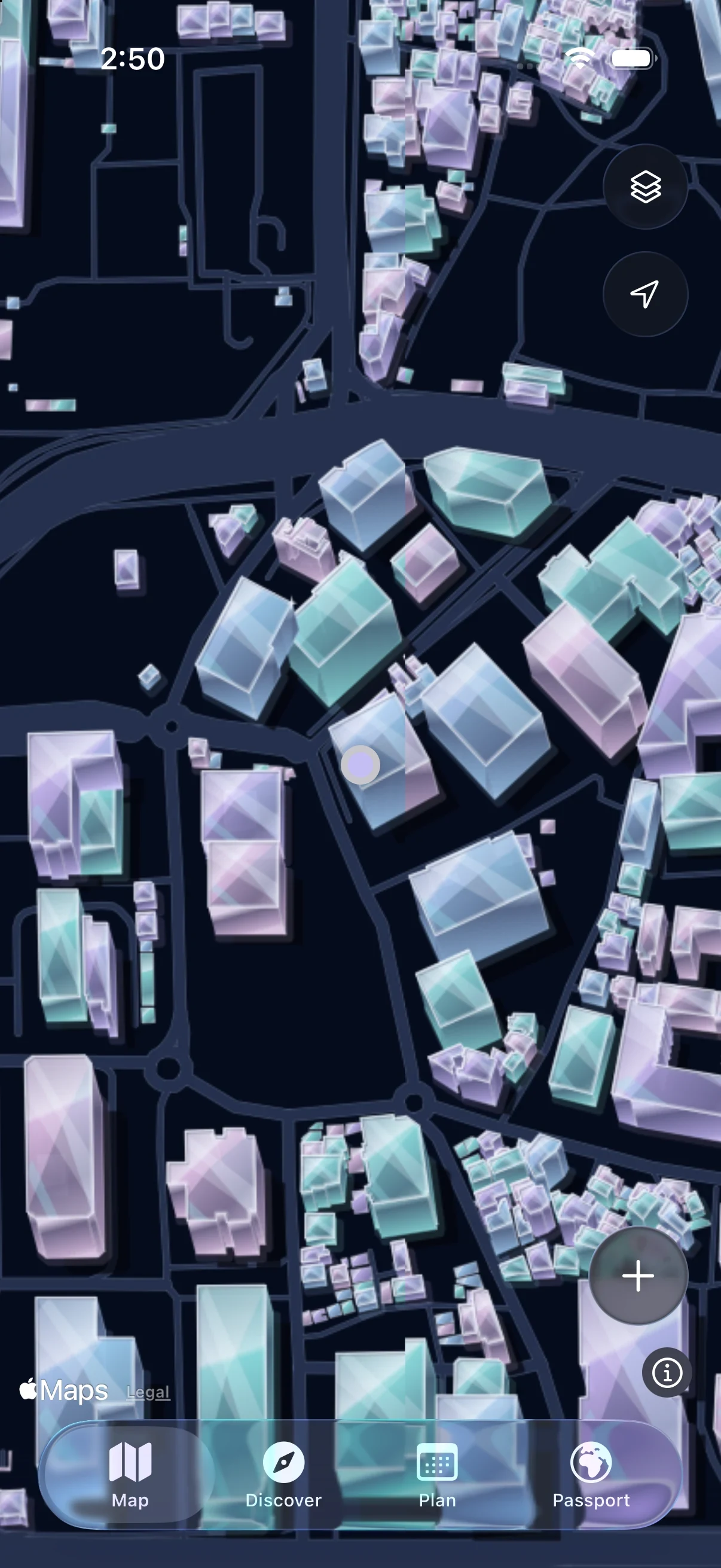
Drag to look around. Choose a look below — your position and zoom stay the same. Actual app captures of Jongno, Seoul; Fog off. Building heights and trees are illustrative.
A route for your plans. Streets uncovered as you walk. A personal record of where you went.
01 / PLAN
See the way ahead.
Your day’s places, connected on Apple Maps.
New York · Planned walking route Walk and Drive are available in the app.
02 / MAP
Walk. Watch it open.
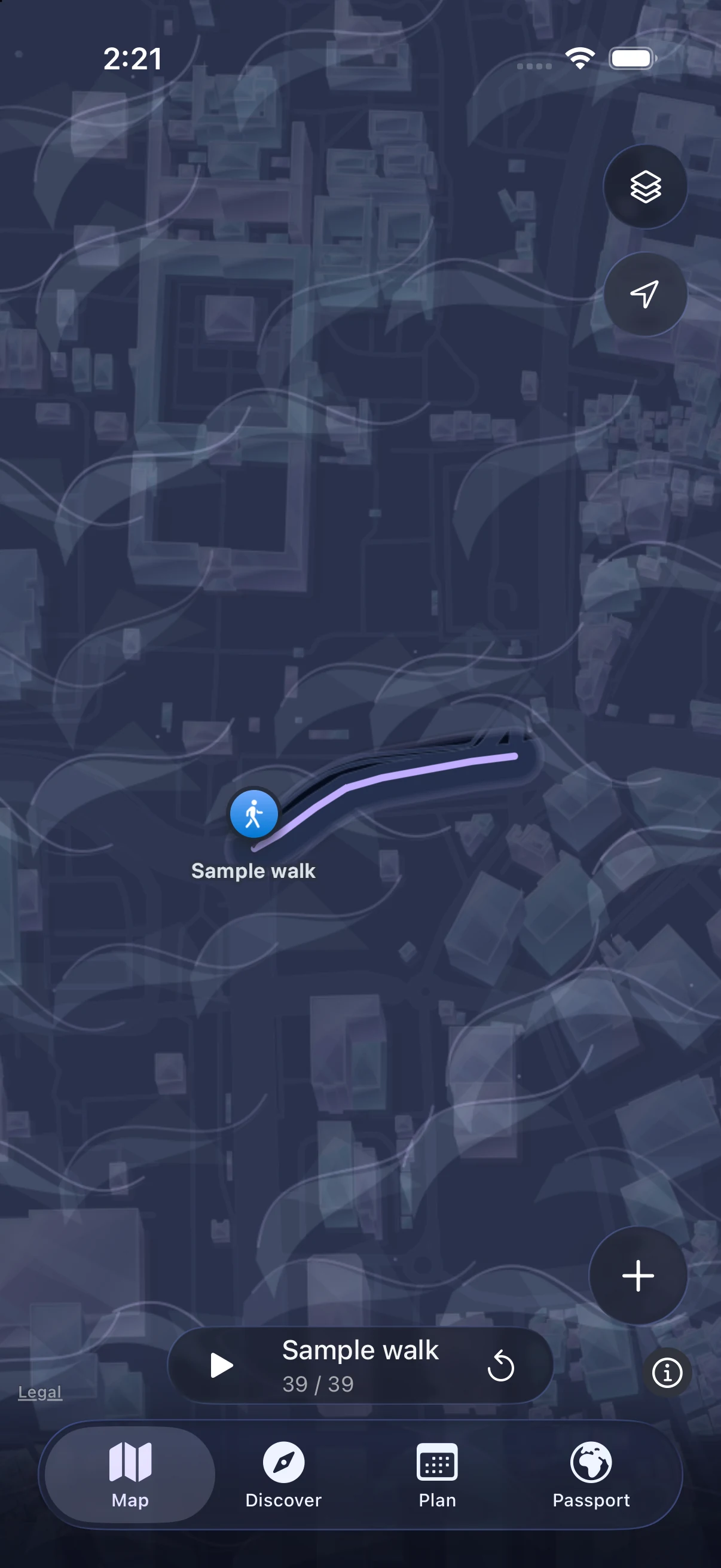
Real movement clears a path through the Fog.
Seoul · After the sample walk
03 / PASSPORT
Keep the path you took.
Open a date to see walked and newly revealed streets.
Seoul · A saved sample day Walking distance and new area, shown separately.
Actual iPhone Simulator captures. New York and Seoul are separate sample sessions. Planned routes never count as walked streets.
ONE DAY. FOUR CONNECTED VIEWS.
From “what’s the plan?” to “glad we went.”
Try this Saturday in Seoul. Choose a place, add it to your day, then see what a walk leaves behind. Your turn ↓
01 / PLAN YOUR DAY
Start with what’s already on.
Coffee at ten. The museum at two. Keep your everyday plans and travel days together, with room for a little something you haven’t found yet.
Tap the space at 11:00 to find an experience. Or switch All plans to My trips.
02 / ADD SOMETHING YOU’LL LOVE
That looks good. Let’s go.
A walk by Cheonggyecheon? Swipe right, choose your visit, and add it to the same day. Your coffee and museum plans stay in place.
Confirm Add to Plan to see the walk at 11:15. This is optional; your own plans work too.
03 / GO OUT & UNCOVER
You go out. Your world opens up.
Walk a street and its fog lifts. See the places around you in a style you choose. Familiar streets start to feel like a place to explore.
Tap ◇ to compare native map captures, or watch the recorded Fog replay. Saving a plan never reveals streets.
04 / KEEP THE PLACES YOU’VE BEEN
A few new streets. Part of your world.
Your walks stay with you, from a street in your neighborhood to a city far away. Open a country, find its cities, and look closer at the paths you took.
South Korea → Seoul → October 24. These saved sample walks are separate from planned stops.
01Plan04
The day, all together.
9:41
NOWHOP / INTERACTIVE PREVIEW
Scroll to explore. Tap to try.
Sample day. No GPS or calendar access. Maps & travel times are simulated in this web demo.
YOUR PERSONAL ATLAS
Today’s walk. A world to look back on.
Countries. Cities. The streets you actually walked. Your Passport grows from where you go, close to home or far away.
DRAG TO EXPLORE ↔
HOME SCREEN WIDGET · ILLUSTRATION
THERE WHEN YOU NEED IT
A glance. Then go.
A small prompt for the experience you chose. Tap to return to your plan. Place names and calendar details stay inside the app.
YOUR DAY, KEPT YOURS
Privacy. Built in.
Your plans and walked paths live on your iPhone, with you in control of what you share.
Stored on your iPhone.
Your plans, saved paths and Passport are kept locally. No Nowhop account needed.
Protected by iOS.
Personal records use iOS file protection. No advertising or analytics SDKs in the app.
Shared on your terms.
Import selected calendars. Share a card or export a backup only when you choose.
Maps and connections. Apple services provide place search, Look Around and directions. Public data supplies nearby map geometry. Requests can include locations, the area being viewed and connection information. Your personal walking archive is not sent to a Nowhop server. Saved records and cached geometry work offline; new searches, routes and Apple base-map availability depend on connectivity.
Backups and sharing. iOS file protection safeguards the app’s local files; use a device passcode. Manual .nowhopbackup files include stored photos and personal records, with readable content and no additional Nowhop password or encryption. Videos and downloaded map caches are excluded; older JSON restores records only. New capture saves photos only; movies are created when you export Daily Hop. Files copy completion does not certify cloud upload. Review a card or file before sharing, and protect any copy in Files, iCloud Drive or another destination. There is no automatic Nowhop cloud sync.
Quiet by design. Widgets read a small local summary without running GPS. Background location recording depends on your permission and iOS conditions and uses some battery. This website uses sample data and does not request your location or calendar. Hosting providers may process connection and access information. See our Privacy Policy and Terms of Service for details.